Make space
for what matters.
Your notes, projects and everyday tools.
One connected workspace, on your own terms.
 Your Monolith workspace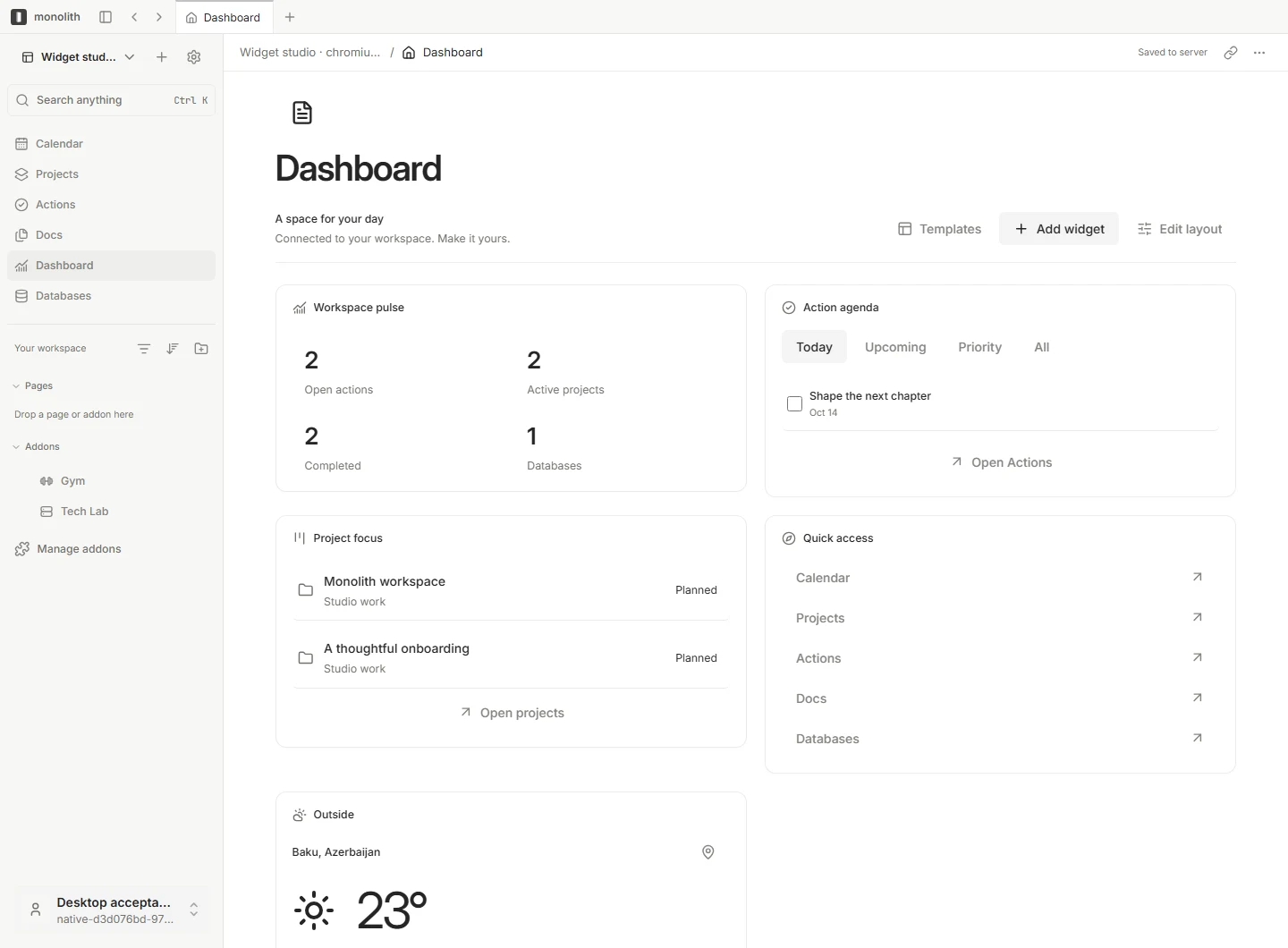
A home for your work.
And the way you work.
Write it down. Put a plan around it. Bring the right tools closer. Monolith connects the little things that make up your day.
Docs & knowledge
A clear place to think, write and connect your ideas.
Take a closer lookProjects & actions
Turn the bigger picture into your next meaningful step.
Take a closer lookConnected databases
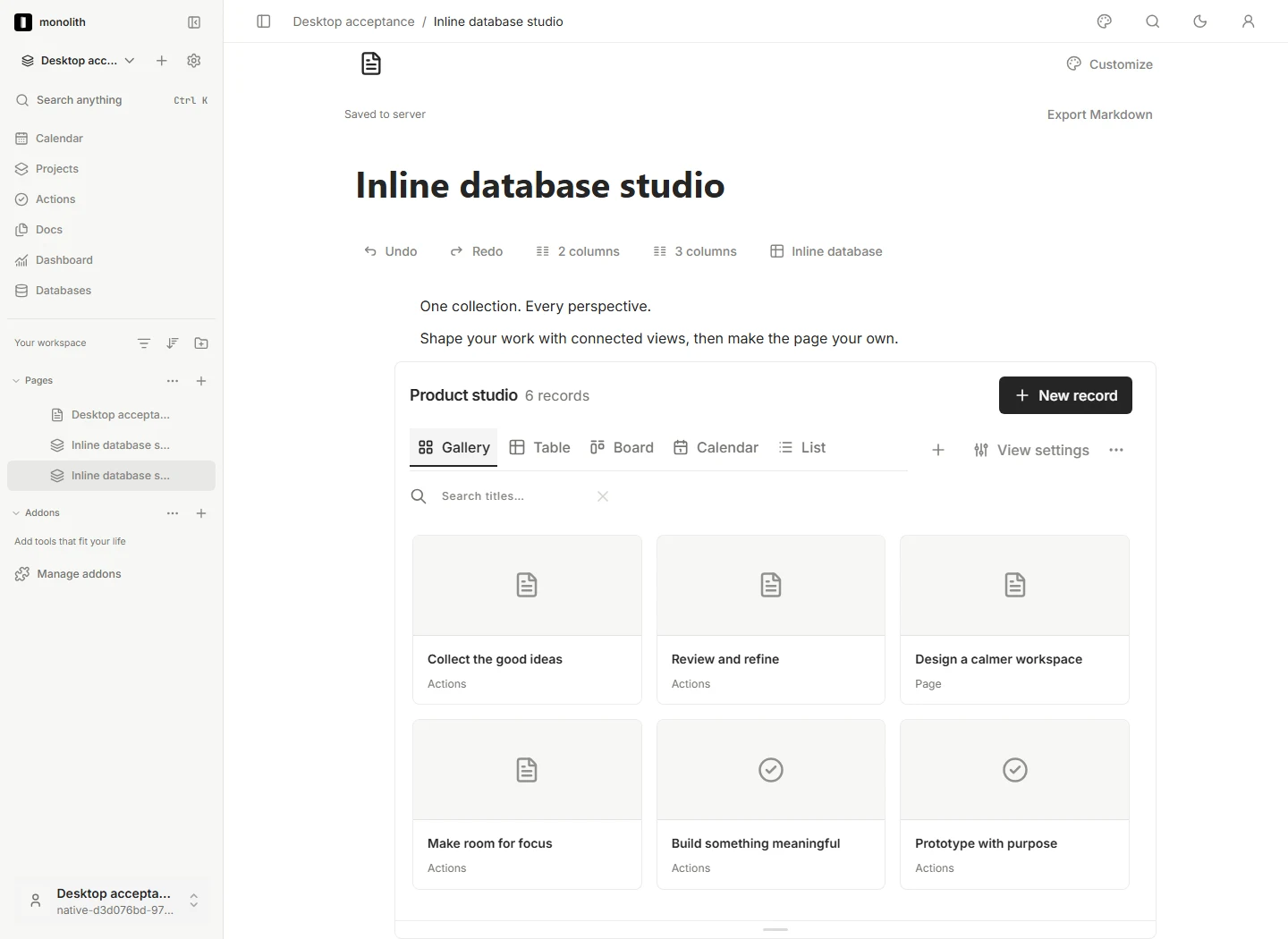
One collection. Tables, boards and calendars that stay connected.
Take a closer lookYour daily dashboard
A small set of useful widgets. A space that feels like you.
Take a closer lookAutomations
Connect triggers and actions, then follow every step.
Take a closer lookMCP & CLI
Let your favorite agents work with your real workspace.
Take a closer lookGive your thinking
room to grow.
Some thoughts need a sentence. Others need a page, a database and a few connections. Keep them together, with a writing space that stays out of your way.
- Rich documents and nested pages
- Live database views inside your notes
- References, backlinks and connected records
Build a day
that feels like yours.
A focused agenda. A project in motion. A little room for the weather. Arrange connected widgets, adjust the sidebar and choose what deserves your attention.
Make yourself at homeYour favorite agent.
Your actual workspace.
Give your agent context it can work with. Read pages, organize records and move projects forward through Monolith’s MCP bridge and CLI.
Connect your agent# Connect your tools. Keep your context.
pnpm agent:build
pnpm --silent agent doctor
# After signing in, generate your config
pnpm --silent agent config --client codexStart with what you need.
Add what you love.
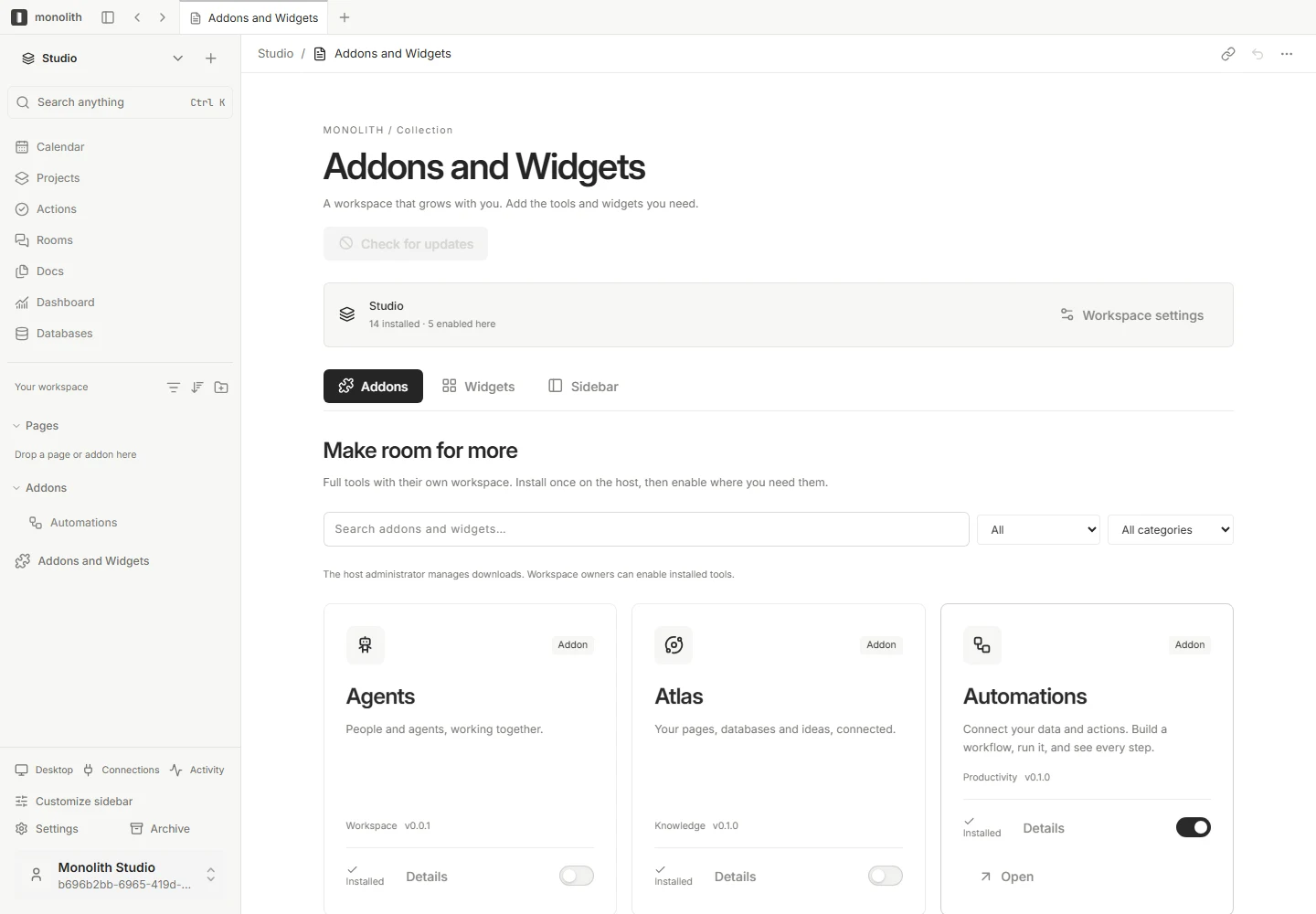
Full tools for deeper work. Small widgets for the everyday. Install the pieces that make your workspace feel complete.
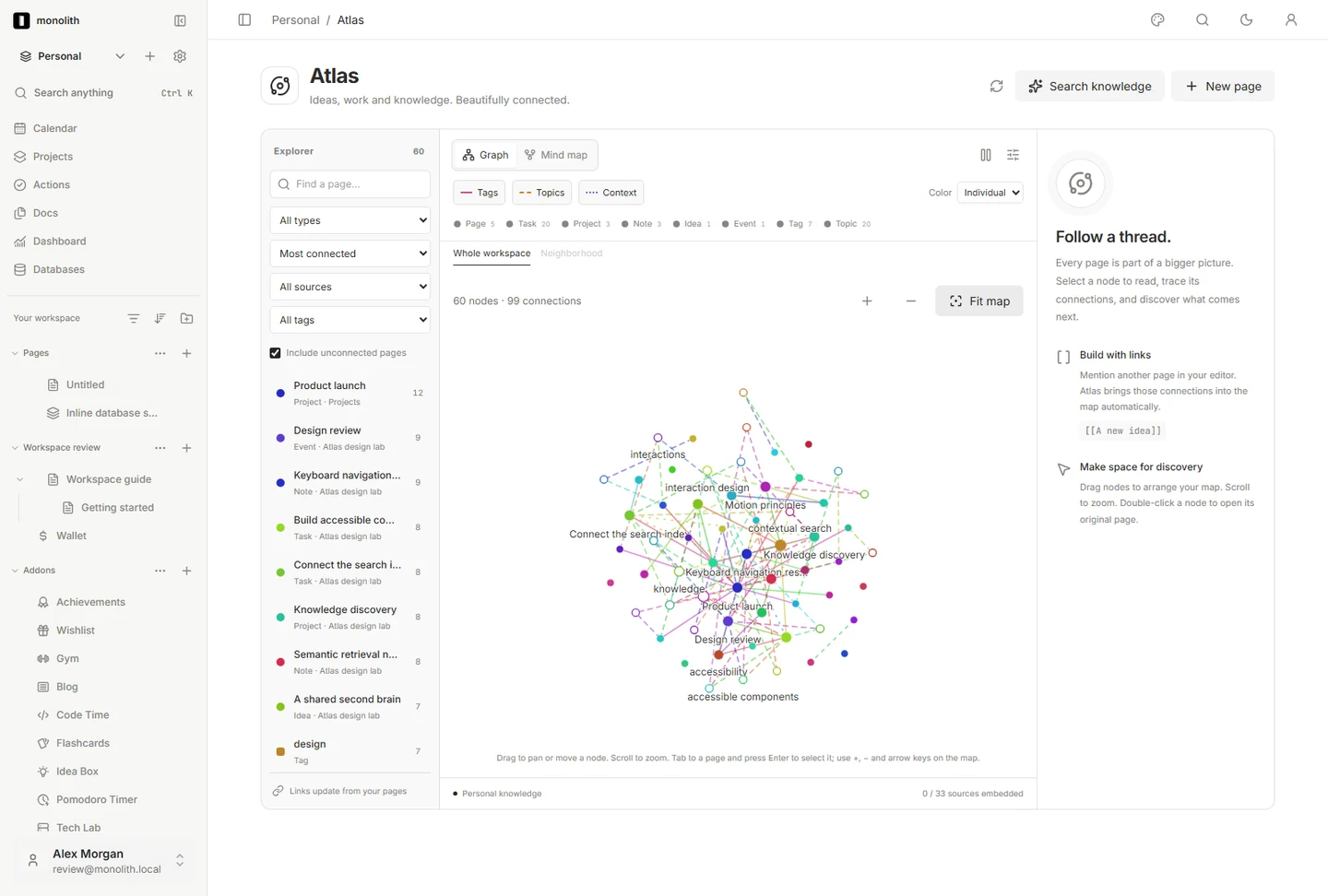
Atlas
See the connections between your ideas.
Automations
Turn repeatable work into connected flows.
Agents
Bring people and agents into the same plan.
Pomodoro
Find your focus, one session at a time.
Flashcards
Turn a spare moment into something learned.
Code Time
A small window into your coding rhythm.
Addons open full tools. Widgets bring compact, configurable views to your dashboard and sidebar. Availability follows your host’s installed packages.
Explore the collectionYour server.
Your space.
Host Monolith on your own infrastructure. Bring your browser and desktop clients to the same workspace, choose your integrations and decide when updates are installed.
Read the self-hosting guideWhat is Monolith?
Monolith is a self-hosted workspace for pages, projects, connected databases and daily tools. Its native sections work together; optional addons and widgets let you shape the rest.
Can I use it today?
Download Monolith 0.1.0-preview.1 for Windows, macOS or your Linux server, or build the public source. Follow the installation guide and review the preview downloads and signing details.
What is the difference between an addon and a widget?
An addon is a full tool, such as Atlas or Automations. A widget is a compact, connected view on your dashboard or sidebar, such as Pomodoro or Flashcards. Configure widgets in a small overlay.
Can I connect my AI agent?
Yes. The MCP bridge supports clients that can launch a stdio MCP server, including Codex, Claude Code and OpenClaw. A JSON CLI exposes the same operations. Start with the connection guide.
Does Monolith manage hosting for me?
You run the workspace on your own host. This website contains product information and documentation; it is separate from your workspace installation. The container guide covers the host setup.
A little more space.
A lot more possibility.
Start with the essentials. Make the rest your own.