Build with connected steps
Arrange nodes and connect actions in the visual workflow editor. Start with a manual run while you refine the flow.
Build visual workflows with triggers and actions. Follow each step from input to output, right inside your workspace.
Arrange nodes and connect actions in the visual workflow editor. Start with a manual run while you refine the flow.
Assign fields, branch on conditions, make HTTP requests and add delays. Import or export workflow definitions.
Inspect run history and step outputs to understand how data moved through a workflow.
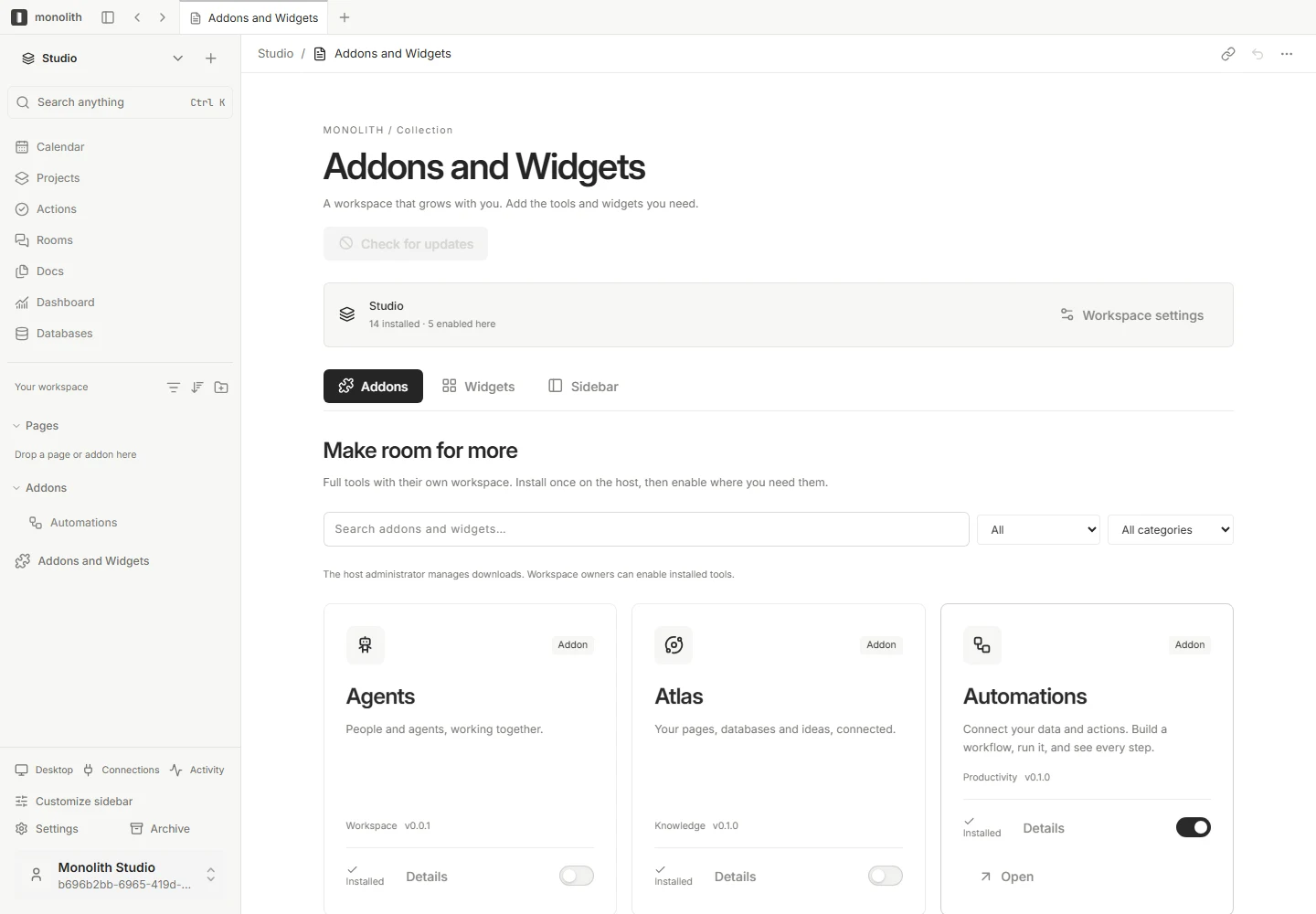
Enable the Automations addon where you need it. Scheduled execution uses the configured automation worker.
Monolith is in active development. The guides cover configuration, permissions and current release availability for this feature.
Read the docs
Start with the essentials. Make the rest your own.